
Timber Timer for iPhone & Apple Watch
Every fast
grows a tree.
A calm fasting tracker. Start a fast and a seed goes in the ground. Reach your goal and it blooms. Month after month, your islands fill with forest.
 Timber Timer
Get the app
Timber Timer for iPhone & Apple Watch
A calm fasting tracker. Start a fast and a seed goes in the ground. Reach your goal and it blooms. Month after month, your islands fill with forest.
0 hours · Seed
Begin from the app, a widget, Control Center, Siri or your Apple Watch. Forgot to tap? Tell it you started earlier.
4 hours · Sapling
The closer you are to your goal, the bigger the tree. The app tells you where a fast like yours typically is. Around now, blood sugar is usually settling.
8 hours · Young Tree
Your fast lives on the Lock Screen and in the Dynamic Island as a Live Activity, on your Home Screen as a widget, and on your wrist.
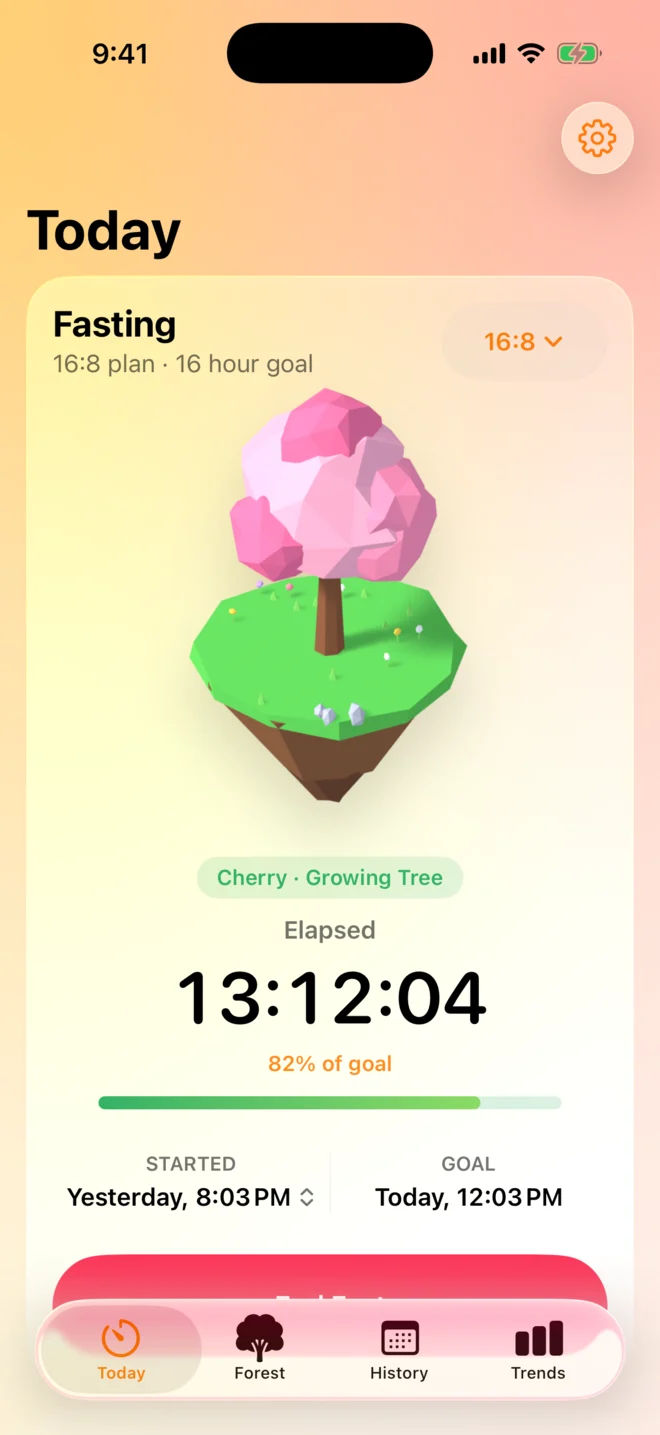
12 hours · Growing Tree
Typically from 12 hours, your body may lean more on fat for fuel. The sky behind your tree drifts slowly toward goal.
16 hours · In Bloom
A notification tells you when you’ve made it, and an hour before if you like. End the fast right from the notification, or keep going.
Fast ended
End your fast and the tree you grew steps forward on its own, before taking its place in this month’s forest. Ended early? You still planted something. Every fast counts.
The forest
Every fast that ends in a month stands on its island. Short fasts are saplings, goals met are full grown, and going an hour past your goal makes one bloom.
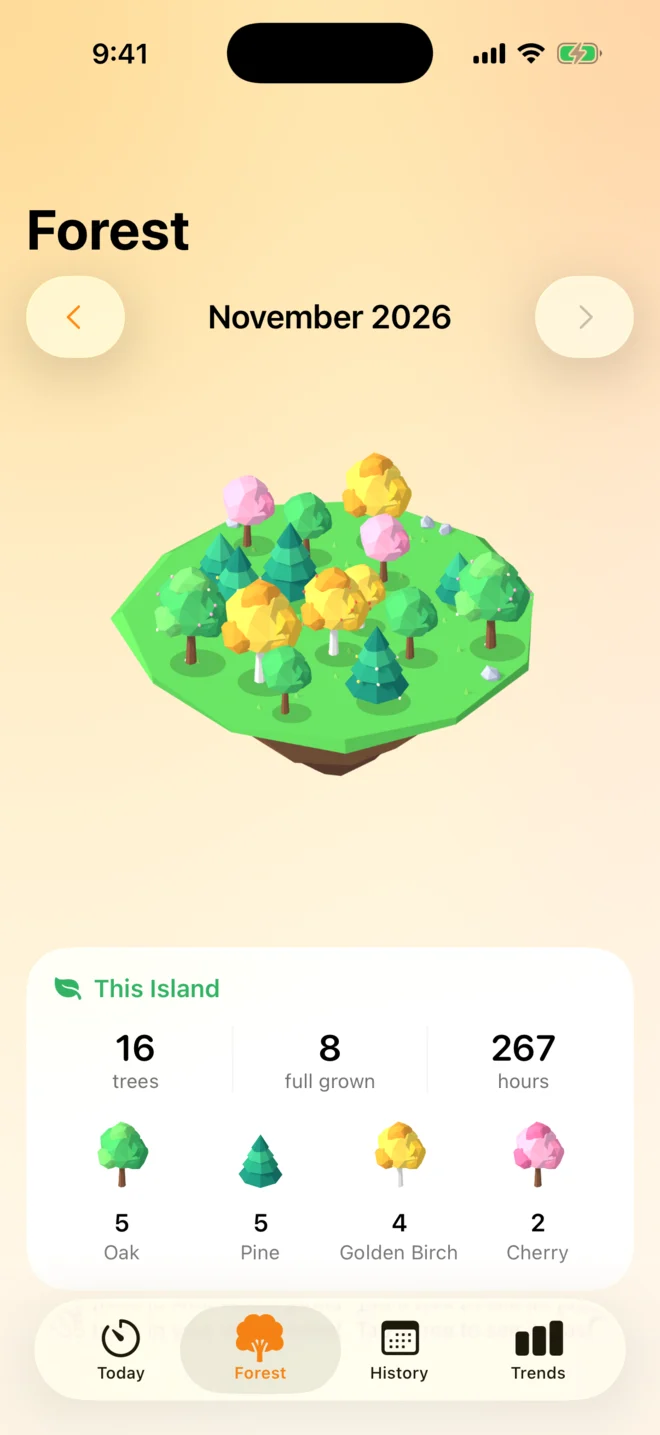
Drag to turn the island
This Island
An example month. Which tree you get is decided by the fast itself.
The app
Features
Plans
The most common plan. Eat within an 8 hour window.
Or set your own goal, and a weekly schedule if you want one.
Fasting stages
Timings vary from person to person. Written with “may” and “typically” on purpose.
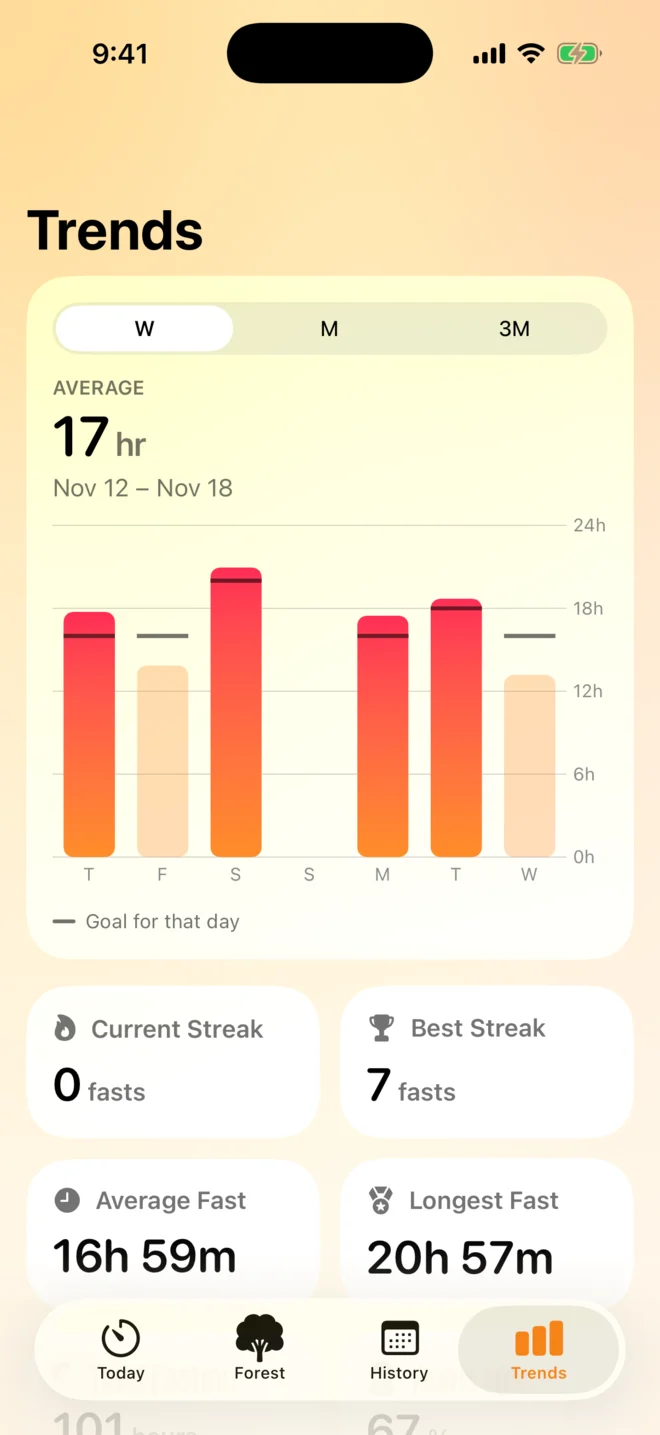
Trends
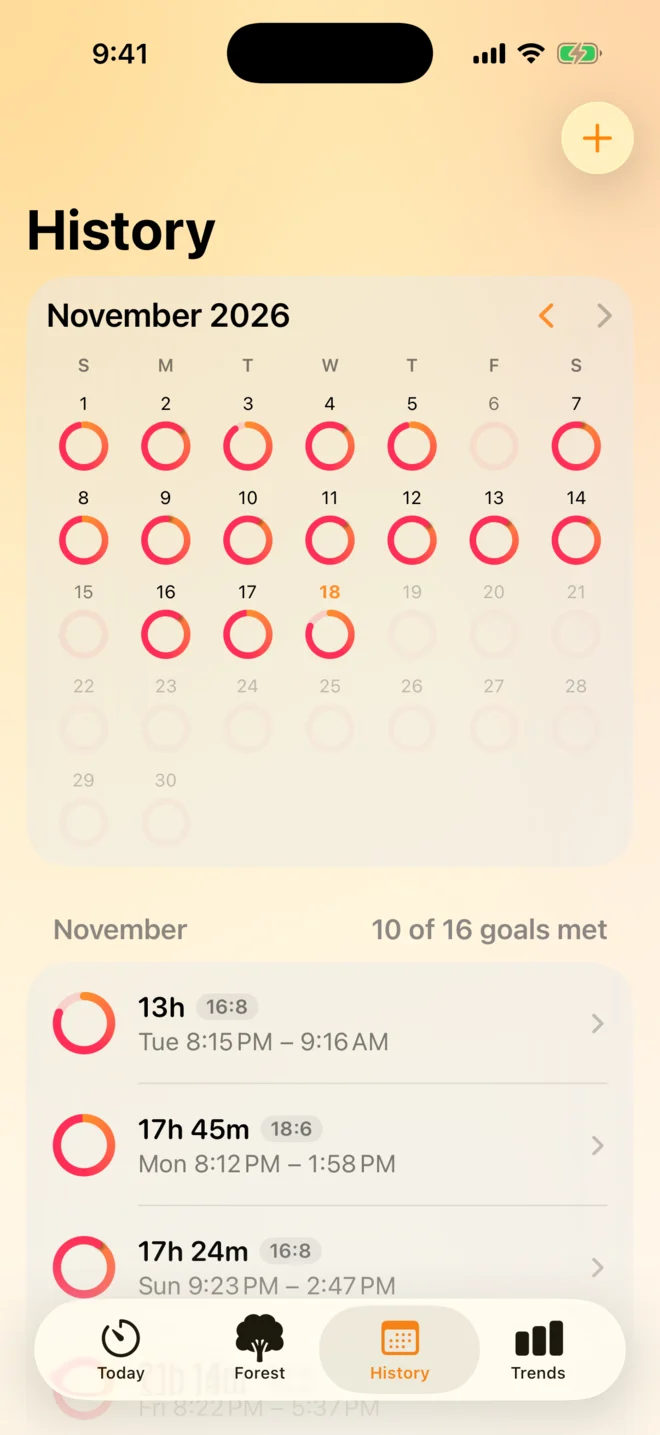
Streaks, averages and your longest fast, by week, month or quarter.
Breaking your fast
Rate each fast on a five step mood scale and add a note. Optionally photograph your first meal for a description and a rough calorie range.
Meal recognition is off until you add your own Google Gemini key. Photos go straight from your iPhone to Google, never to us.
Apple Health
Read and log your weight next to your fasting trends, and save how each fast felt as State of Mind. Only if you say yes.
Looks
Not a tree person? Switch Today to the classic ring. Try the looks here, the whole page follows.
Private by design
Your fasts stay on your devices and in your own iCloud account. No sign up. No account with us.
Before you begin. Fasting isn’t right for everyone. If you’re pregnant or breastfeeding, have diabetes, take medication, are under 18, or have a history of disordered eating, talk to your doctor first.
This app helps you keep track. It doesn’t give medical advice.
Timber Timer is on its way to the App Store.
Coming soon to the App Store